Digital screens dominate modern life, making eye health more critical than ever. Understanding advanced strategies for preventing eye strain can transform your daily comfort and long-term vision health.

🔍 Why Traditional Eye Care Advice Falls Short
The 20-20-20 rule has become the go-to recommendation for digital eye strain: every 20 minutes, look at something 20 feet away for 20 seconds. While this guideline offers a solid foundation, it represents only the beginning of comprehensive eye strain prevention. Modern research reveals numerous additional factors contributing to digital eye fatigue, from blue light exposure to workspace ergonomics, blinking patterns, and environmental conditions.
Computer Vision Syndrome affects approximately 60 million people globally, with symptoms ranging from dry eyes and headaches to blurred vision and neck pain. The issue extends beyond simple screen time—it encompasses how we use screens, our surrounding environment, and our overall eye care habits throughout the day.
💡 Understanding the Science Behind Digital Eye Strain
When you focus on digital screens, your eyes work significantly harder than when viewing printed materials. The pixels on screens lack the sharp edges of printed text, making your eyes constantly refocus to maintain clarity. This continuous adjustment creates fatigue in the ciliary muscles responsible for focusing.
Additionally, screen use dramatically reduces your natural blink rate. Normally, people blink about 15-20 times per minute, but this drops to just 5-7 times when using digital devices. This reduction prevents proper tear distribution across your eye surface, leading to dryness and irritation.
Blue light wavelengths emitted by screens penetrate deeply into the eye, potentially affecting the retina over time. While research continues on long-term effects, short-term exposure contributes to digital eye strain by disrupting sleep patterns and causing visual discomfort.
🎯 Advanced Workspace Optimization Techniques
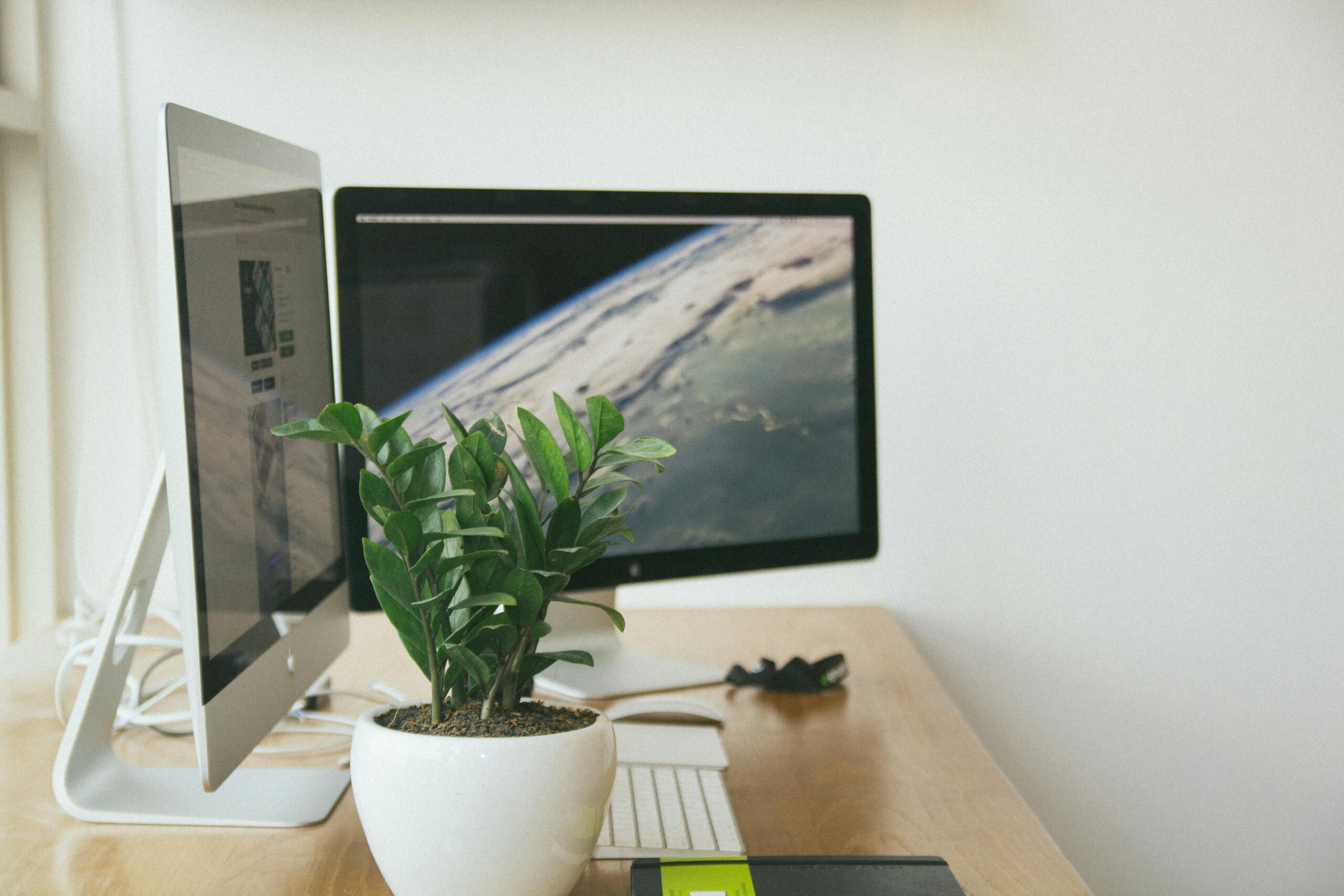
Creating an eye-friendly workspace goes far beyond proper screen distance. Your monitor should sit approximately an arm’s length away, with the top of the screen at or slightly below eye level. This positioning reduces neck strain while optimizing your natural line of sight.
Screen brightness matters tremendously. Your display should match the brightness of your surrounding workspace—not significantly brighter or darker. Adjust contrast settings to comfortable levels, ensuring text appears crisp without excessive backlighting.
Lighting Considerations for Optimal Visual Comfort
Ambient lighting plays a crucial role in preventing eye strain. Position your screen perpendicular to windows to minimize glare. If natural light creates reflections on your monitor, use curtains or blinds to control brightness. Overhead lighting should illuminate your workspace without creating harsh shadows or screen glare.
Task lighting offers targeted illumination for reading printed materials without forcing your eyes to constantly adjust between dramatically different light levels. Choose warm-toned LED bulbs that reduce harsh blue light exposure during evening work sessions.
🧘 Strategic Break Systems Beyond 20-20-20
While the 20-20-20 rule provides basic relief, implementing varied break strategies yields superior results. The Pomodoro Technique, traditionally used for productivity, works exceptionally well for eye health. Work for 25 minutes, then take a 5-minute complete break away from screens.
During breaks, engage in activities that exercise different visual muscles. Look out windows to practice distance focusing. Stand up and move around to restore circulation. Close your eyes completely for 20-30 seconds to allow tear film restoration.
Micro-Breaks Throughout Your Workflow
Incorporate 10-second micro-breaks every 10 minutes. Simply look away from your screen and blink deliberately 10 times. This practice maintains tear film quality without significantly interrupting work flow.
Consider implementing full-spectrum breaks: short breaks every 20 minutes, medium breaks every hour, and longer breaks every two hours. This layered approach addresses different aspects of eye fatigue while maintaining productivity.
👁️ Conscious Blinking and Eye Exercises
Developing conscious blinking awareness dramatically reduces dry eye symptoms. Set periodic reminders to perform complete blinks—closing your eyes fully rather than partial blinks that fail to adequately lubricate eye surfaces.
Practice the “blink squeeze” technique: close your eyes gently, squeeze eyelids together for two seconds, then open wide. Repeat 10 times. This exercise stimulates tear production while exercising eyelid muscles.
Targeted Eye Movement Exercises
Eye exercises strengthen focusing muscles and improve flexibility. The “pencil push-up” exercise enhances convergence ability: hold a pencil at arm’s length, focus on the tip, slowly bring it toward your nose while maintaining focus, then extend back out. Repeat 10 times.
Practice figure-eight tracking by imagining a large figure-eight approximately 10 feet away. Trace it slowly with your eyes for 30 seconds in one direction, then reverse. This exercise improves eye muscle coordination and flexibility.
💧 Hydration and Environmental Humidity Control
Eye moisture depends heavily on overall hydration and environmental humidity. Drink adequate water throughout the day—dehydration directly impacts tear production quality. Air conditioning and heating systems reduce humidity levels, accelerating tear evaporation.
Desktop humidifiers maintain optimal moisture levels in your immediate workspace. Position them near your workstation to create a microclimate supporting eye comfort. Ideal indoor humidity ranges between 30-50% for eye health.
🌿 Nutritional Strategies for Eye Health Support
Diet significantly impacts eye health and strain resistance. Omega-3 fatty acids, found abundantly in fish, flaxseed, and walnuts, support healthy tear production and reduce inflammation. Aim for at least two servings of fatty fish weekly.
Lutein and zeaxanthin, carotenoids concentrated in the macula, filter harmful blue light. Dark leafy greens like kale, spinach, and collard greens provide abundant sources. These nutrients accumulate in eye tissues, offering protective benefits over time.
Essential Vitamins and Minerals
Vitamin A maintains healthy cornea function and supports night vision. Vitamin C and E provide antioxidant protection against oxidative stress from light exposure. Zinc supports overall retinal health and vitamin A metabolism.
Consider incorporating these eye-supporting foods regularly: carrots, sweet potatoes, bell peppers, citrus fruits, nuts, seeds, and eggs. A varied, colorful diet typically provides comprehensive eye nutrition without supplementation.
🔧 Screen Settings and Display Technology Optimization
Modern displays offer numerous settings to reduce eye strain. Enable “night mode” or “blue light filter” features during evening hours. These settings shift screen color temperature toward warmer tones, reducing blue light exposure that disrupts circadian rhythms.
Adjust text size and contrast for comfortable reading without squinting or leaning forward. Most operating systems allow custom scaling—increase system-wide text size 10-20% above default settings for improved readability.
Font and Color Optimization
Choose fonts designed for screen readability. Sans-serif fonts like Arial, Verdana, or Calibri typically display more clearly on screens than serif fonts. Avoid decorative fonts for extended reading.
Dark mode reduces screen brightness in low-light conditions but isn’t universally beneficial. Some people experience better comfort with light backgrounds and dark text, especially in well-lit environments. Experiment to identify your preference.
🛠️ Specialized Software and Blue Light Management
Computer applications can automate many eye care strategies. Programs like f.lux automatically adjust screen color temperature based on time of day, reducing blue light exposure during evening hours when it most impacts sleep quality.
Break reminder applications prompt regular rest periods with customizable intervals. These tools help maintain consistent break schedules even during intense work sessions when you might otherwise forget.
Blue light filtering glasses offer physical protection by blocking high-energy wavelengths before they reach your eyes. While research on long-term benefits continues, many users report reduced eye strain symptoms when wearing these glasses during extended screen sessions.
👓 Proper Vision Correction and Regular Eye Examinations
Outdated prescriptions force your eyes to work harder, accelerating fatigue. Schedule comprehensive eye examinations every 1-2 years, or more frequently if you experience vision changes. Inform your eye care professional about your screen time and work environment.
Computer-specific eyewear optimizes focus for screen distance—different from reading or distance prescriptions. These specialized lenses reduce accommodation stress, providing clearer vision at typical monitor distances.
Contact Lens Considerations for Screen Users
Contact lens wearers often experience amplified dry eye symptoms during screen use. Consider daily disposable lenses, which maintain better moisture than extended wear options. Use preservative-free rewetting drops throughout the day as needed.
Give your eyes regular breaks from contact lenses. Wear glasses during extended work-from-home days when appearance concerns are minimal. This practice allows better oxygen transmission and tear flow across eye surfaces.
😴 Sleep Quality and Circadian Rhythm Protection
Evening screen exposure suppresses melatonin production, disrupting sleep quality. Implement a digital curfew—avoid screens for at least one hour before bedtime. Blue light exposure during this window significantly impacts sleep onset and quality.
Quality sleep allows your eyes complete recovery time. During sleep, your eyes remain closed and still, enabling comprehensive tissue repair and tear film restoration. Aim for 7-9 hours of consistent, quality sleep nightly.
🧪 Emerging Technologies and Future Solutions
Electronic paper displays like E-Ink technology offer screen alternatives without backlighting, dramatically reducing eye strain for reading activities. While not suitable for all tasks, these displays excel for document review and reading.
Artificial intelligence systems are being developed to monitor user behavior and provide personalized eye health recommendations. These systems analyze screen usage patterns, suggesting optimal break timing based on individual work rhythms.
🎨 Creating Sustainable Eye Health Habits
Preventing eye strain requires consistent, long-term commitment rather than sporadic efforts. Start by implementing one or two strategies, gradually incorporating additional techniques as they become habitual. Sustainable change happens incrementally.
Track your symptoms using a simple journal or smartphone app. Note which strategies provide the most relief for your specific symptoms. Individual responses vary—what works perfectly for one person may be less effective for another.
Building Your Personal Eye Care Protocol
Develop a customized routine combining multiple strategies. Morning might include eye exercises and workspace adjustments. Throughout the day, maintain break schedules and conscious blinking. Evenings could focus on blue light reduction and proper nutrition.
Accountability systems improve consistency. Share your eye health goals with colleagues or family members who can provide reminders and encouragement. Consider pairing eye care breaks with existing habits to build natural reminder systems.
🌟 Recognizing When Professional Intervention Is Necessary
While prevention strategies help most people, certain symptoms require professional evaluation. Persistent pain, sudden vision changes, seeing floaters or flashes, or symptoms lasting beyond several days despite intervention warrant immediate eye care professional consultation.
Chronic dry eye may require prescription treatments beyond over-the-counter artificial tears. Punctal plugs, prescription eye drops, or other medical interventions can provide relief when conservative measures prove insufficient.
🚀 Transforming Your Visual Experience for Lasting Comfort
Eye strain prevention extends far beyond simple break reminders. Comprehensive approaches addressing workspace optimization, environmental factors, nutrition, proper vision correction, and conscious visual habits create sustainable eye health.
Digital screens remain integral to modern life—the goal isn’t elimination but optimization. By implementing multiple complementary strategies, you reduce cumulative strain while maintaining productivity and visual comfort throughout your day.
Start today with simple changes: adjust your monitor position, set a break reminder, practice conscious blinking, or modify your screen settings. Small adjustments compound into significant improvements in your daily visual comfort and long-term eye health.
Your eyes serve you every waking moment—investing in their care through proven prevention strategies pays dividends in comfort, productivity, and sustained visual clarity for years to come. Prioritize these practices consistently, and experience the remarkable difference comprehensive eye strain prevention makes in your daily life.