Gaming has evolved into a mainstream hobby, but prolonged screen time brings legitimate concerns about eye health and blue-light exposure that demand practical solutions.

🎮 Understanding Blue Light and Its Impact on Gamers
Blue light sits at the shorter wavelength end of the visible light spectrum, emitting higher energy than other colors. Your gaming monitors, smartphones, and console screens all produce significant amounts of this high-energy visible (HEV) light. While natural blue light from the sun helps regulate your circadian rhythm and boost alertness during daytime hours, artificial blue light from screens presents unique challenges when you’re gaming late into the night.
The gaming community faces particular vulnerability to blue-light exposure because sessions often extend for multiple hours without breaks. Professional esports athletes, streamers, and casual gamers alike report experiencing digital eye strain, headaches, and sleep disruptions. The proximity of screens during gaming intensifies exposure compared to watching television from across the room.
Research indicates that blue light penetrates deeper into the eye than other wavelengths, potentially reaching the retina. While scientists continue studying long-term effects, immediate symptoms like eye fatigue, dry eyes, and difficulty focusing are well-documented among regular gamers. Understanding these fundamentals helps you make informed decisions about protecting your vision.
⚠️ Recognizing Digital Eye Strain Symptoms During Gaming
Digital eye strain, also called computer vision syndrome, affects approximately 50-90% of people who work or play extensively on digital devices. For gamers, the symptoms often manifest differently than in office workers because gaming requires intense visual focus and rapid eye movements.
Common symptoms you might experience include:
- Blurred vision after extended gaming sessions
- Persistent headaches, particularly around the temples or forehead
- Dry, irritated eyes that feel gritty or burning
- Difficulty focusing on distant objects after looking at screens
- Neck and shoulder pain from poor posture during gameplay
- Increased sensitivity to light
- Difficulty falling asleep after late-night gaming
These symptoms typically worsen as gaming sessions extend beyond two hours without breaks. Competitive gamers pushing through marathon sessions often ignore early warning signs, leading to more severe discomfort. Recognizing these symptoms early allows you to implement protective measures before they impact your gaming performance or overall quality of life.
💡 The Science Behind Blue Light and Sleep Disruption
Your body relies on circadian rhythms to regulate sleep-wake cycles, hormone production, and numerous physiological processes. Blue light plays a crucial role in this system by suppressing melatonin production—the hormone responsible for making you feel sleepy. During daylight hours, this suppression keeps you alert and energized. However, evening exposure to blue light from gaming screens tricks your brain into thinking it’s still daytime.
Studies demonstrate that blue light exposure in the two to three hours before bedtime can delay melatonin release by up to three hours. For gamers who regularly play into the night, this disruption creates a vicious cycle: poor sleep quality leads to daytime fatigue, which might prompt more caffeine consumption and later bedtimes, further compounding sleep problems.
The impact extends beyond simply feeling tired. Chronic sleep disruption correlates with decreased cognitive function, slower reaction times, and reduced hand-eye coordination—all critical factors for gaming performance. Ironically, the late-night gaming sessions meant to improve your skills might actually impair the very abilities you’re trying to develop.
🛡️ Practical Blue-Light Protection Strategies for Gamers
Protecting your eyes doesn’t mean abandoning your favorite games. Implementing strategic safeguards allows you to enjoy gaming while minimizing potential harm. The key lies in creating multiple layers of protection rather than relying on a single solution.
Screen Settings and Built-In Features
Modern displays include features specifically designed to reduce blue-light emission. Most monitors and devices offer night mode, blue light filter, or eye comfort settings that shift color temperature toward warmer tones. These features typically reduce blue light output by 30-60% depending on intensity settings.
Adjust your screen brightness to match ambient lighting conditions. Screens that are too bright in dark rooms force your pupils to constrict, increasing eye strain. Conversely, screens too dim in bright environments make your eyes work harder to perceive details. Many gaming monitors now include adaptive brightness sensors that automatically adjust to surrounding light levels.
Enable dark mode in games and applications whenever possible. Dark themes reduce overall light emission from your screen, particularly beneficial during extended gaming sessions. While dark mode doesn’t eliminate blue light, it significantly reduces the total amount of light entering your eyes.
Blue-Light Filtering Software Solutions
Dedicated software applications provide more sophisticated blue-light management than built-in screen settings. These programs gradually adjust color temperature throughout the day, matching your screen’s output to natural light patterns.
Desktop applications like f.lux automatically transition your monitor from cooler daytime temperatures to warmer evening tones. These programs work in the background, allowing you to set preferences once and forget about manual adjustments. Some advanced options even disable themselves during color-sensitive tasks like photo editing while maintaining protection during gaming.
Physical Blue-Light Filtering Solutions
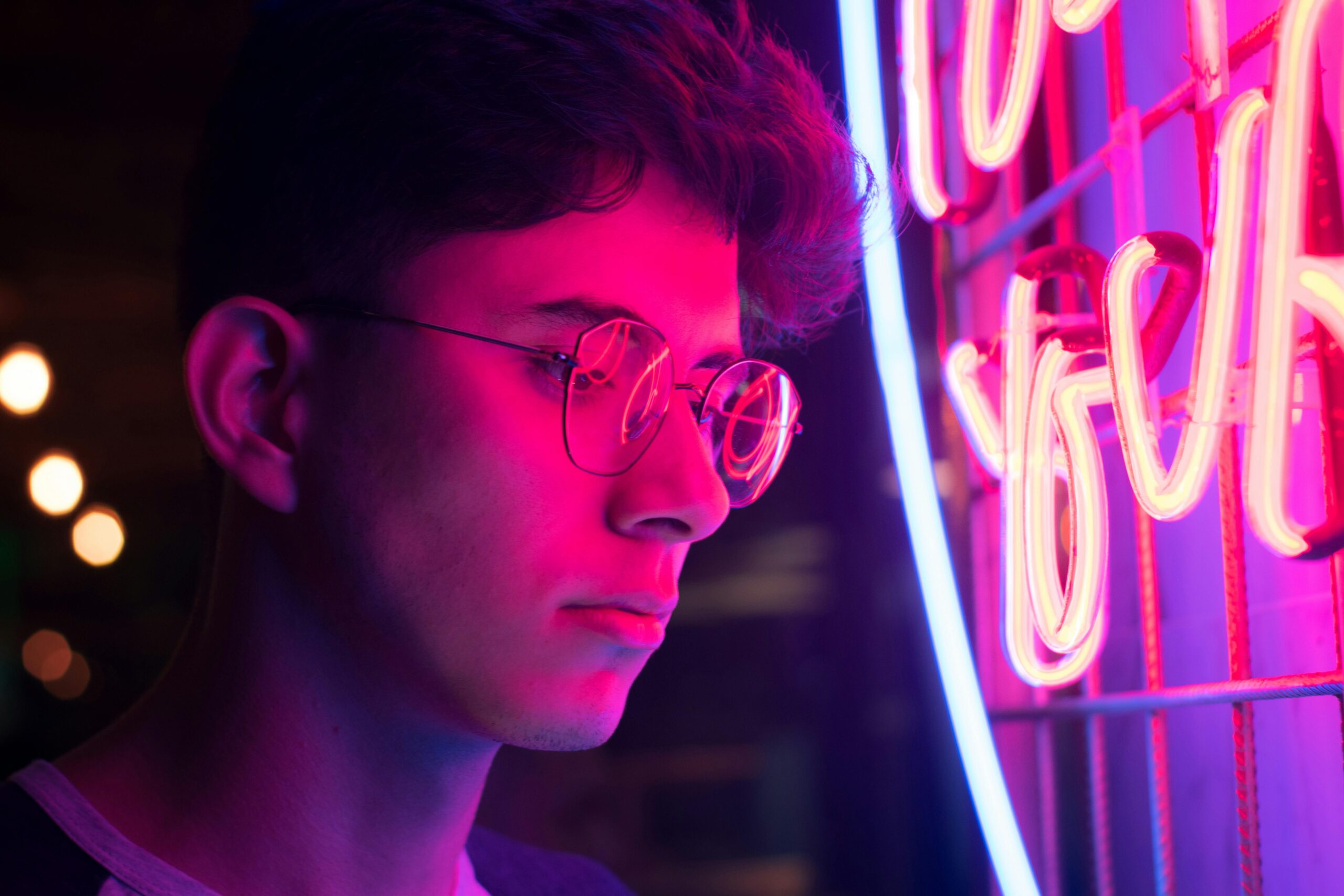
Blue-light filtering glasses represent another protective layer. These specialized eyewear options feature lenses coated with materials that selectively filter blue wavelengths while allowing other colors to pass through relatively unchanged. Quality gaming glasses typically block 30-65% of blue light depending on lens tint intensity.
When selecting blue-light glasses, consider lens color carefully. Clear or nearly clear lenses offer minimal filtering (around 30%) but don’t distort color perception significantly—important for games where color distinction matters. Yellow or amber-tinted lenses provide stronger filtering (50-65%) but may affect color accuracy in gameplay.
Screen protectors and monitor filters offer alternative physical solutions. These attachable filters reduce blue-light transmission while maintaining display clarity. They work particularly well for gamers who share screens with others who might not want permanent color temperature changes.
⏰ The 20-20-20 Rule and Strategic Break Implementation
The 20-20-20 rule provides a simple framework for reducing eye strain: every 20 minutes, look at something 20 feet away for at least 20 seconds. This exercise relaxes focusing muscles in your eyes, which remain contracted when staring at screens up close for extended periods.
Implementing this rule during gaming requires conscious effort since games demand continuous attention. Set periodic reminders or use break-enforcing applications that temporarily lock your screen. Many gamers find natural implementation points during loading screens, respawn timers, or between competitive matches.
Beyond the 20-20-20 rule, schedule longer breaks every hour. Stand up, walk around, and perform light stretches to address not just eye strain but also posture-related issues. These extended breaks allow tear film on your eye surface to replenish, reducing dryness and irritation.
🖥️ Optimizing Your Gaming Environment
Your physical gaming setup significantly impacts eye comfort. Proper environmental configuration creates conditions that minimize strain even during extended sessions.
Lighting Considerations
Ambient lighting should neither be completely dark nor excessively bright compared to your screen. Ideal gaming environments feature moderate, indirect lighting that reduces contrast between your display and surroundings. Position lamps behind your monitor or use bias lighting—LED strips mounted behind displays that provide gentle backlighting.
Avoid placing monitors directly in front of or opposite windows where glare becomes problematic. If room layout makes this unavoidable, use curtains or blinds to control natural light, particularly during dawn and dusk when low-angle sunlight creates maximum glare.
Screen Positioning and Distance
Position your monitor at arm’s length distance, approximately 20-28 inches from your eyes. The top of your screen should sit at or slightly below eye level, requiring a small downward gaze of about 10-15 degrees. This positioning reduces strain on eye muscles and promotes proper neck alignment.
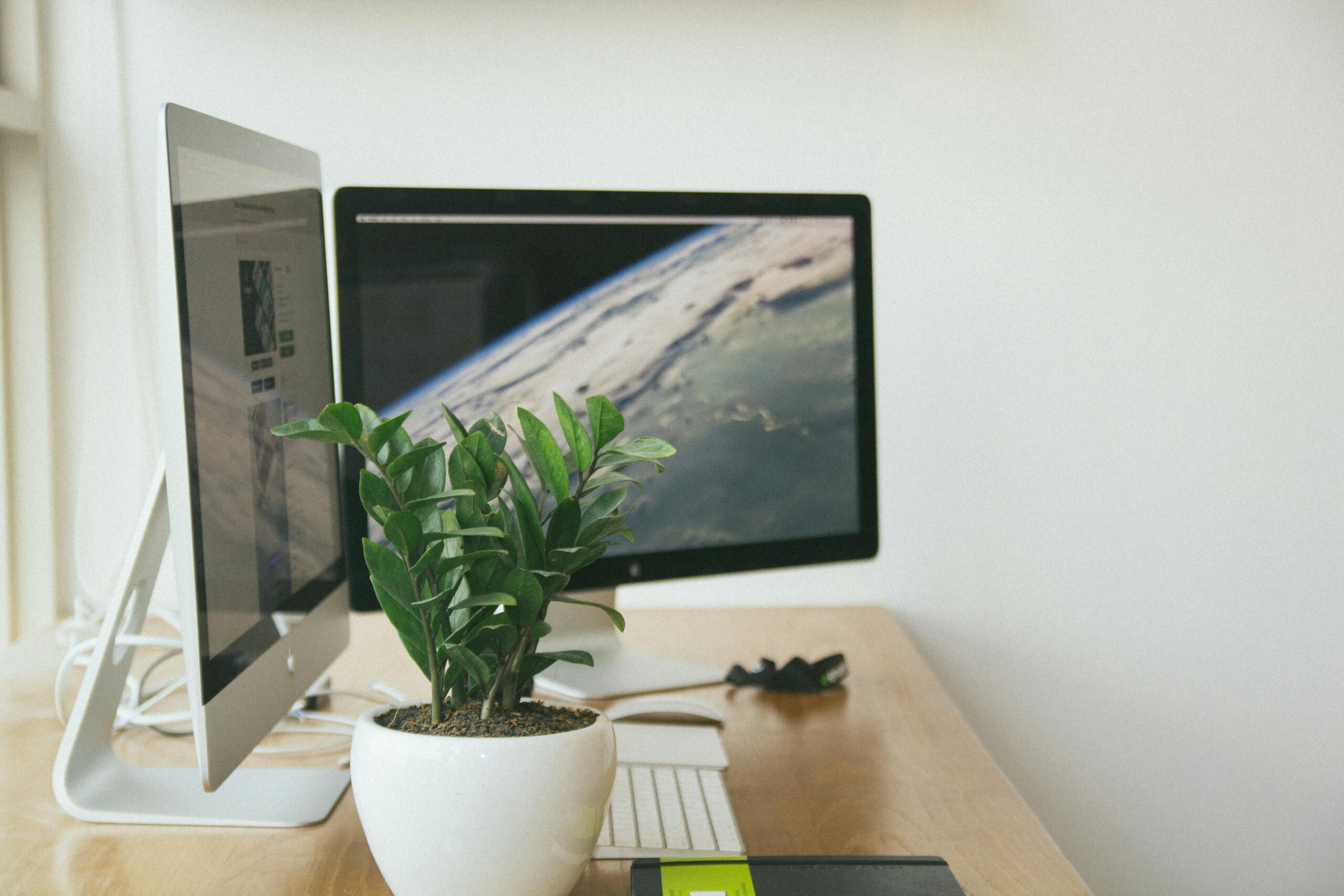
For multi-monitor setups, arrange displays in a gentle arc to maintain consistent viewing distances. Angle side monitors slightly inward to avoid extreme eye rotation when switching between screens.
💧 Managing Eye Dryness and Maintaining Moisture
Gamers typically blink less frequently during intense gameplay—studies show blink rates can drop by up to 60% during screen use. Reduced blinking prevents adequate tear distribution across your eye surface, leading to dryness, irritation, and temporary vision disturbances.
Practice conscious blinking exercises, particularly during less intense gaming moments. Complete blinks that fully close your eyelids ensure proper tear film distribution. Some gamers post reminder notes near monitors until conscious blinking becomes habitual.
Artificial tears or lubricating eye drops provide supplemental moisture for persistent dryness. Choose preservative-free options if you need frequent application. Keep eye drops within easy reach so you can apply them without interrupting gameplay significantly.
Maintain adequate humidity in gaming spaces. Central heating and air conditioning reduce ambient moisture, exacerbating eye dryness. Small desk humidifiers create localized humidity zones around your gaming setup without affecting entire rooms.
🌙 Establishing Healthy Gaming Schedules
Time management represents your most powerful tool for protecting eye health. Strategic scheduling minimizes blue-light exposure during vulnerable periods while allowing you to enjoy gaming fully.
Avoid intense gaming sessions within two hours of intended bedtime. If late-night gaming proves unavoidable, maximize blue-light filtering through software, glasses, and screen settings. Consider less visually intense games or game modes during evening hours—strategy games or inventory management often work better than fast-paced shooters for pre-sleep gaming.
Structure longer gaming sessions with scheduled breaks rather than playing until fatigue forces you to stop. Planning breaks in advance makes them easier to implement compared to relying on willpower alone during engaging gameplay.
🏃 Complementary Eye Health Practices
Supporting overall eye health extends beyond blue-light management. Comprehensive approaches address multiple factors affecting vision wellness.
Maintain proper hydration throughout gaming sessions. Dehydration affects tear production and can worsen dry eye symptoms. Keep water readily accessible and develop habits around regular consumption rather than drinking only when thirsty.
Nutrition plays a supporting role in eye health. Omega-3 fatty acids support tear production and reduce inflammation. Antioxidants like lutein and zeaxanthin, found in leafy greens and eggs, may help protect retinal tissue. While diet alone won’t prevent digital eye strain, adequate nutrition supports overall visual system health.
Schedule regular comprehensive eye examinations with optometrists or ophthalmologists. Professional evaluations detect vision changes early and allow prescription updates for gamers who wear corrective lenses. Mention your gaming habits during appointments so practitioners can provide tailored recommendations.
🎯 Creating Your Personal Eye Protection Plan
Effective eye protection requires personalized strategies that fit your specific gaming habits and lifestyle. Generic approaches often fail because individual circumstances vary dramatically between casual mobile gamers and dedicated PC enthusiasts.
Start by tracking your current gaming patterns for one week. Note session duration, time of day, symptoms experienced, and environmental conditions. This baseline data reveals where you need protection most urgently.
Implement changes gradually rather than attempting complete overhauls overnight. Begin with easy modifications like enabling built-in blue-light filters or setting break reminders. Add additional layers—blue-light glasses, software filters, environmental adjustments—as initial changes become habitual.
Evaluate effectiveness after two to three weeks of consistent practice. Pay attention to symptom frequency and severity compared to your baseline tracking period. Adjust strategies that aren’t working and strengthen successful interventions.
⚡ Balancing Protection with Gaming Performance
Some gamers worry that blue-light protection measures might impair competitive performance through color distortion or reduced screen brightness. While these concerns have some validity, modern solutions minimize performance impacts.
For competitive gaming where color accuracy matters critically, use minimal filtering during matches and intensive sessions, then increase protection during casual play, non-gaming screen time, and evening hours. This targeted approach provides protection when you need it most without compromising competitive edges.
Many professional esports athletes successfully balance eye protection with peak performance. Their approaches typically involve optimized environmental lighting, strategic break timing, and blue-light filtering during practice sessions if not during tournaments. Following professional examples demonstrates that protection and performance coexist effectively.
🔬 Looking Forward: Emerging Eye Protection Technologies
The gaming industry increasingly recognizes eye health importance, driving innovation in protective technologies. Monitor manufacturers now produce displays with integrated low-blue-light modes that maintain color accuracy better than earlier solutions. Some premium monitors include TÜV Rheinland certification for eye comfort and blue-light reduction.
Artificial intelligence applications are beginning to analyze gaming patterns and provide personalized break recommendations based on individual susceptibility to eye strain. These smart systems learn from your behavior and symptoms to optimize protection strategies automatically.
As gaming continues growing as both entertainment and professional pursuit, expect continued technological advancement in eye protection. Staying informed about emerging solutions allows you to incorporate beneficial innovations into your protection strategy.
Protecting your eyes while gaming doesn’t require sacrificing enjoyment or performance. Through layered approaches combining technology, environmental optimization, behavioral adjustments, and healthy habits, you can game extensively while minimizing risks to your visual health. The strategies outlined here provide flexible frameworks adaptable to any gaming style, allowing you to enjoy your passion sustainably for years to come. Start implementing these practical guardrails today, and your eyes will thank you tomorrow.